






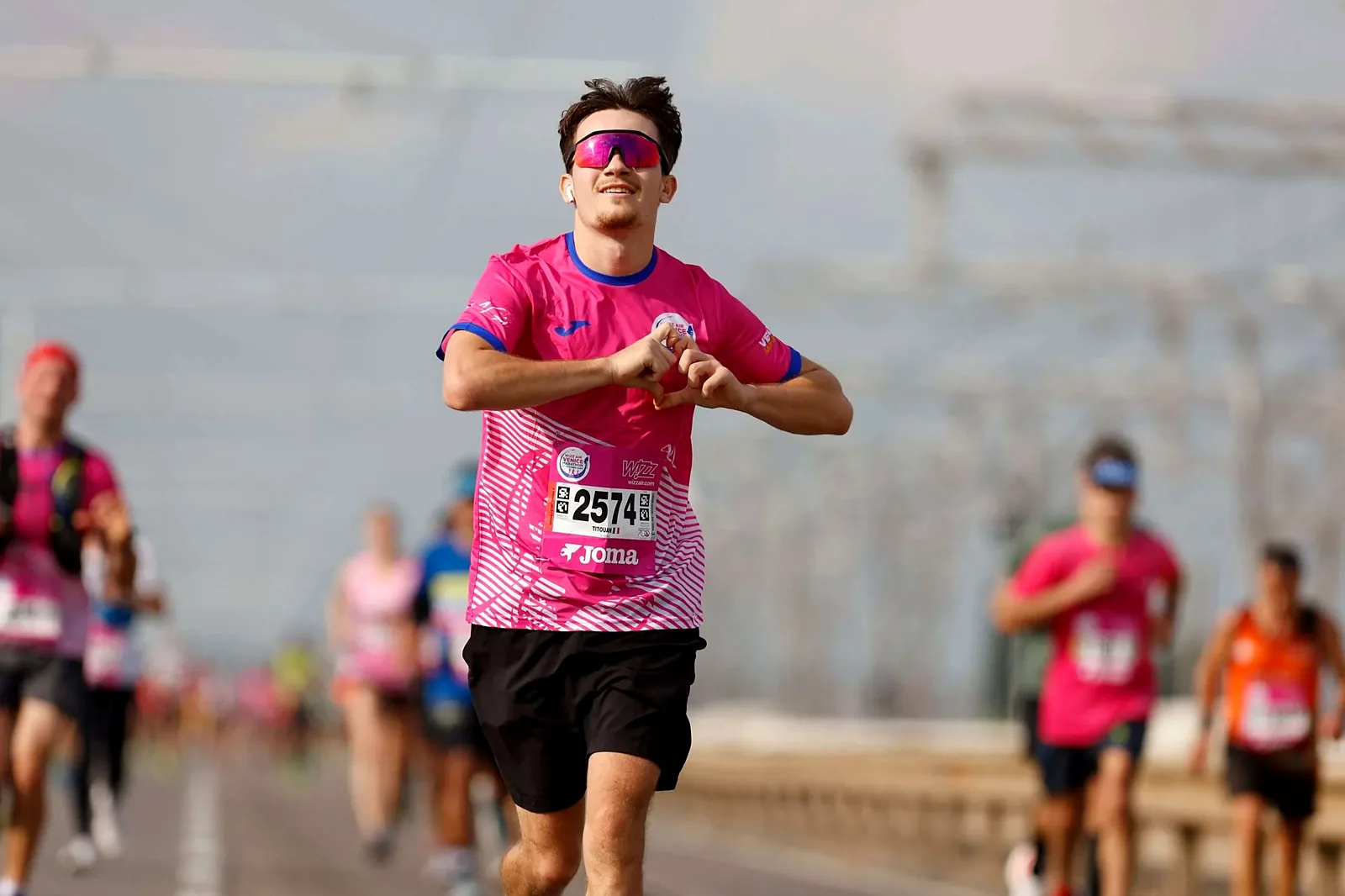
What do you need to set up before race day?
Print the recognition codes on the bibs
Coordinate with your bib printer and the GetPica team so the graphic recognition code is printed on every race bib.Agree the goals of the photo service
Hold a briefing with the client to set what the photo service must achieve: sales, engagement, sponsor visibility.Plan the coverage with the photographers
Decide which moments and spots to cover and list every photo opportunity along the course, at the start and at the finish.
GetPica provides a media kit (logo, videos, GIFs, flyers and web banners) to use as a starting point for all your communication. Ask your GetPica contact for it.
Why is the post-event email the most important channel?
A newsletter sent after the race gives every athlete direct access to their own album, and it can drive up to 80% of all accesses. Send one before the race to announce the service, and one after it, when the photos are ready.
An effective email has:
- the official branding of the race;
- a personal photo of the athlete embedded in the message;
- a direct link to their own album and their access code.
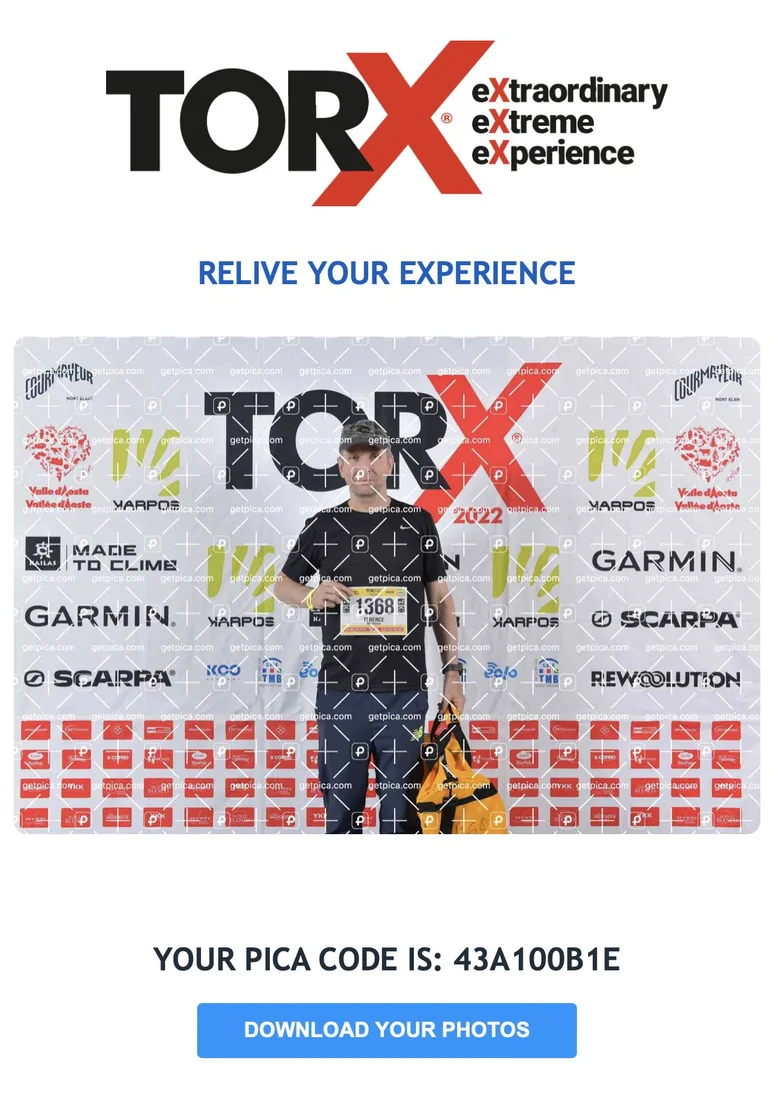
Need help? GetPica can send the tailored email to all your participants on your behalf.
What should your race website say?
Use your website’s key pages to guide athletes to their photos: the race details page, the gallery section, or a dedicated page that explains the service in four steps.
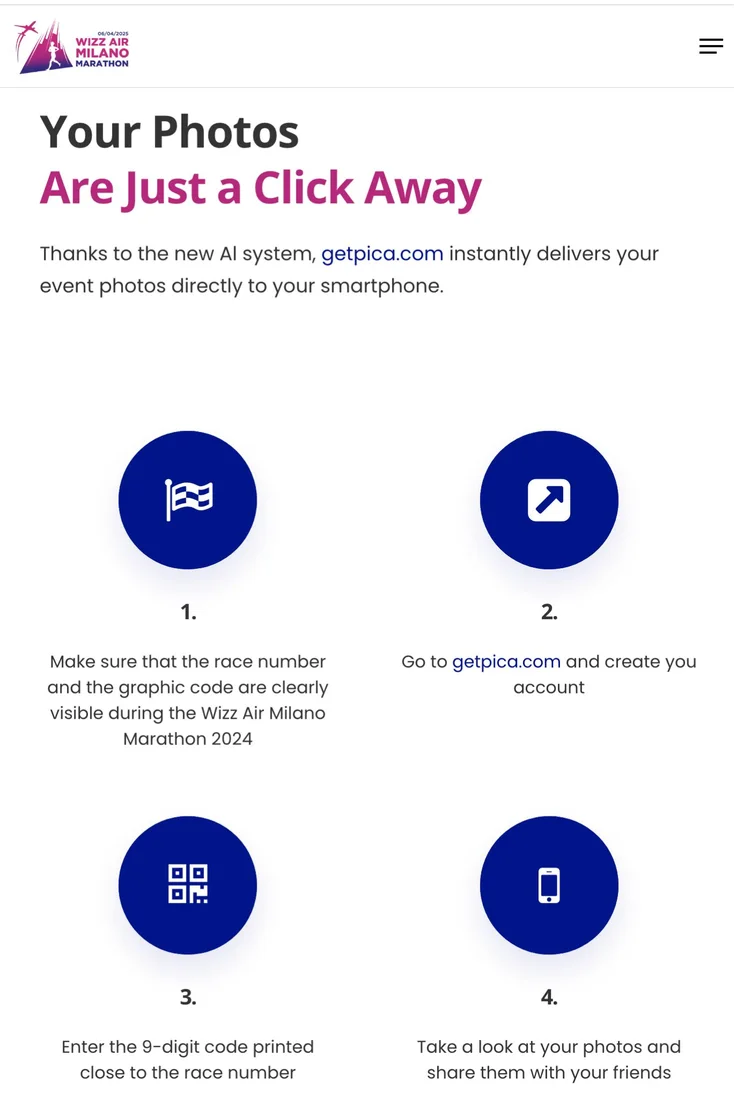
Keep the bib visible
Make sure the race number and the graphic code are clearly visible during the race.Go to getpica.com
Create your account.Enter your code
Type the 9-character code printed next to your race number.See and share your photos
Your photos are ready to view, buy and share with your friends.
Where else can you tell athletes about their photos?
You know your audience better than anyone: use every touchpoint you already have to bring athletes to their personal gallery.
-
OnlineNewsletters, the event app, messaging apps like WhatsApp, web banners and pop-ups, digital handbooks and race guides.
-
Printed and on siteSpeaker announcements, the race kit, on-site screens, flyers, roll-ups and banners.
-
PartnersA link on the timing company’s results page, info on the back of the bib, expo booths and other initiatives.
Results page: a “Photos” button next to each athlete’s result is one of the most natural ways in, because athletes check their time first.
What if an athlete needs help with their photos?
Athletes can write to GetPica’s customer care at support@getpica.com, with the name of the race and their bib number for faster help.
Two things to keep in mind in your messages:
- athletes know the service as GetPica or getpica.com, the platform where they view their photos;
- the GetPica app is on the App Store and Google Play, but point athletes to getpica.com: purchases happen on the web.
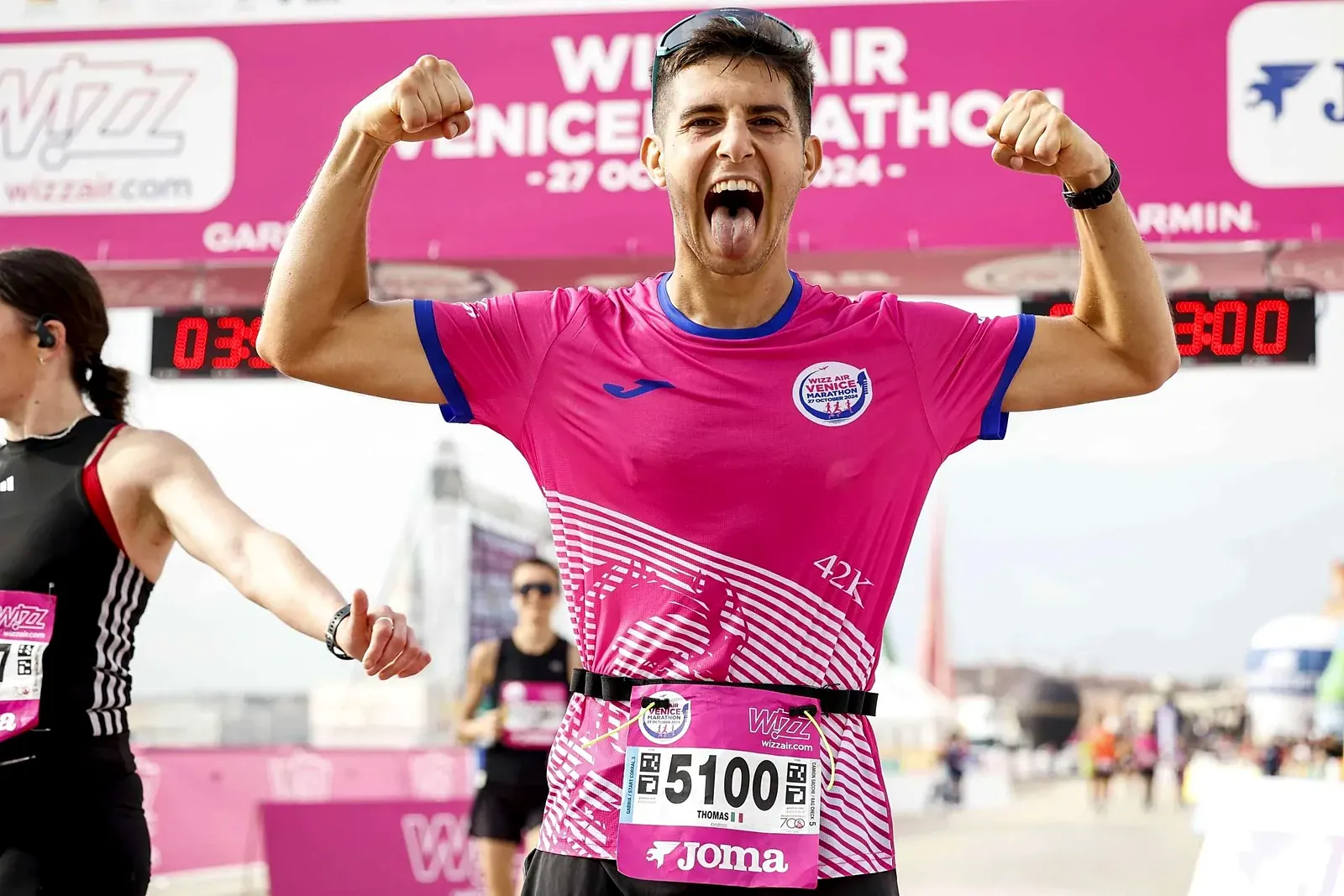
 See it in practice Wizz Air Venicemarathon How Venicemarathon increased race photo sales with GetPica AI facial recognition, instant delivery and automated marketing: over one million photos delivered to 10,000+ runners with PhotoToday. Read the case study
A quick checklist for your next race
- Recognition codes printed on every bib, agreed with the bib printer and GetPica.
- Photo plan shared with the photographers.
- Pre-race and post-race emails scheduled, or sent by GetPica.
- Social posts and stories ready from the media kit.
- A clear photos page on the race website.
- A photos link on the results page and info in the race kit.
- support@getpica.com shared for athletes who need help.
Frequently asked questions
Do athletes need an app to get their photos?
No. They go to getpica.com from any browser and enter the code printed on their bib. The app exists, but purchases happen on the web.
Can GetPica send the emails to participants?
Yes. GetPica can send the tailored email to all your participants on your behalf, with your race branding.
What is the code printed on the bib?
A graphic recognition code printed next to the race number: athletes type it on getpica.com to open their album. Agree it in advance with your bib printer and GetPica.
Where can athletes get help?
At support@getpica.com, with the name of the race and their bib number.
Organizing a race?
See how GetPica works for marathons, trail runs, triathlons and cycling events.
Endurance Sports


How do you announce the photos on social media?
Tell athletes how and where they can find their photos. Use the media kit formats for stories and posts, or design your own graphics, and always include the steps: go to getpica.com, create an account, enter the code printed on the bib.